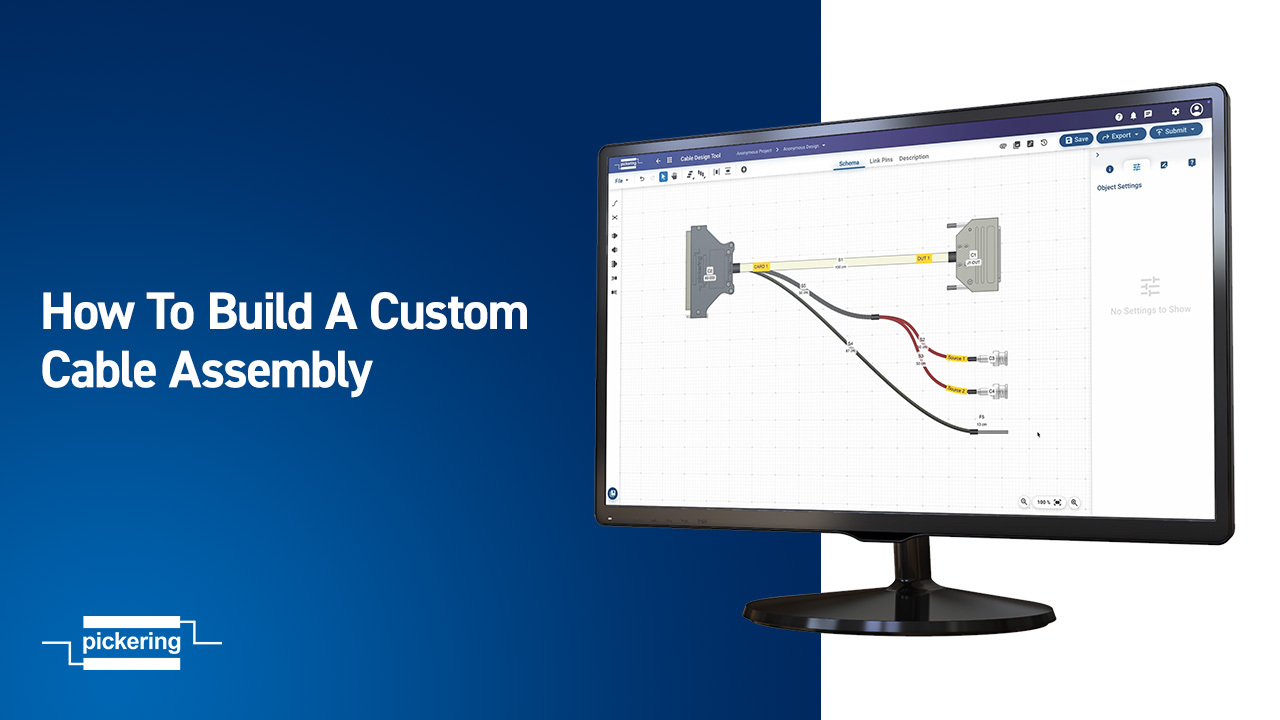
Master custom cable assembly design with step-by-step tutorials covering every feature of the Cable Design Tool, from basic connector placement to advanced pinout imports. 

Learn More about CDT               Start Using the Tool  
Building Custom Cables

Getting Started with CDT

This quick overview covers the essential features and functions to help you start designing custom cable assemblies with ease.

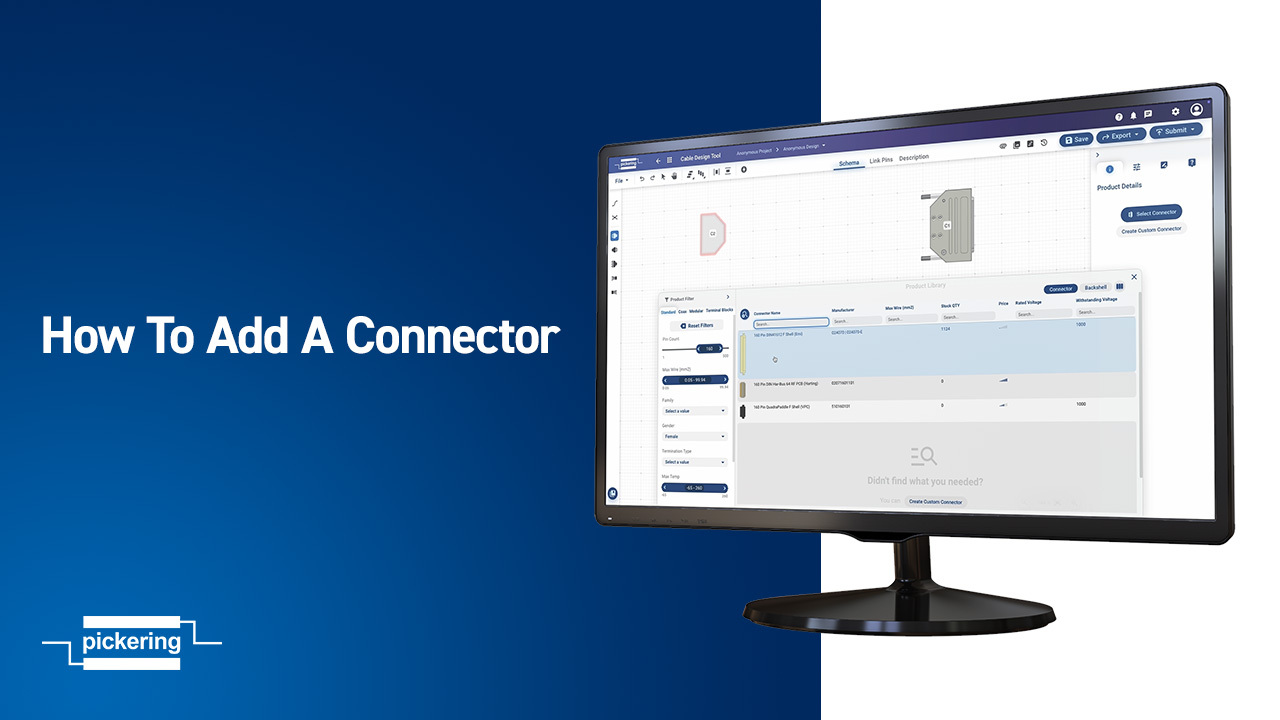
Adding Connectors

Adding a Connector

In this quick tutorial, you’ll learn how to filter connector options and place them in your design using our free Cable Design Tool.

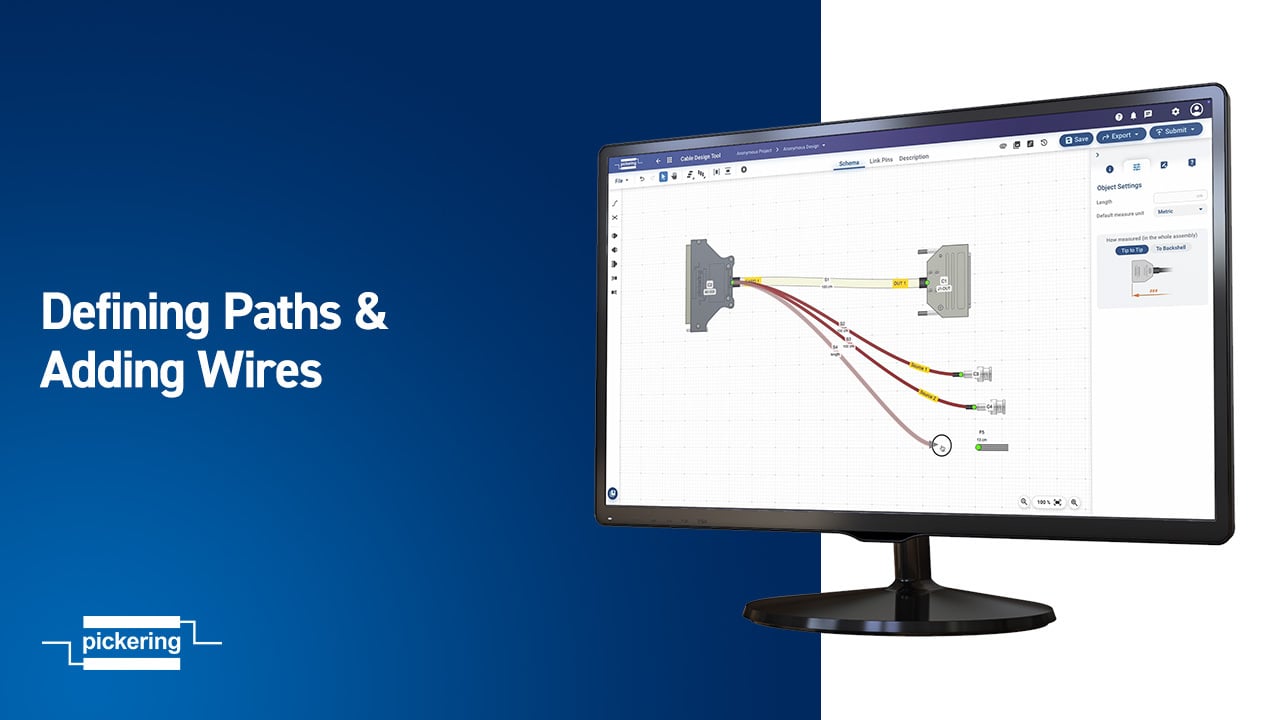
Defining Paths and Wires

Defining Paths & Wires

In this episode of our Cable Design Tool tutorial series, we walk you through how to define paths and assign wires between connectors.

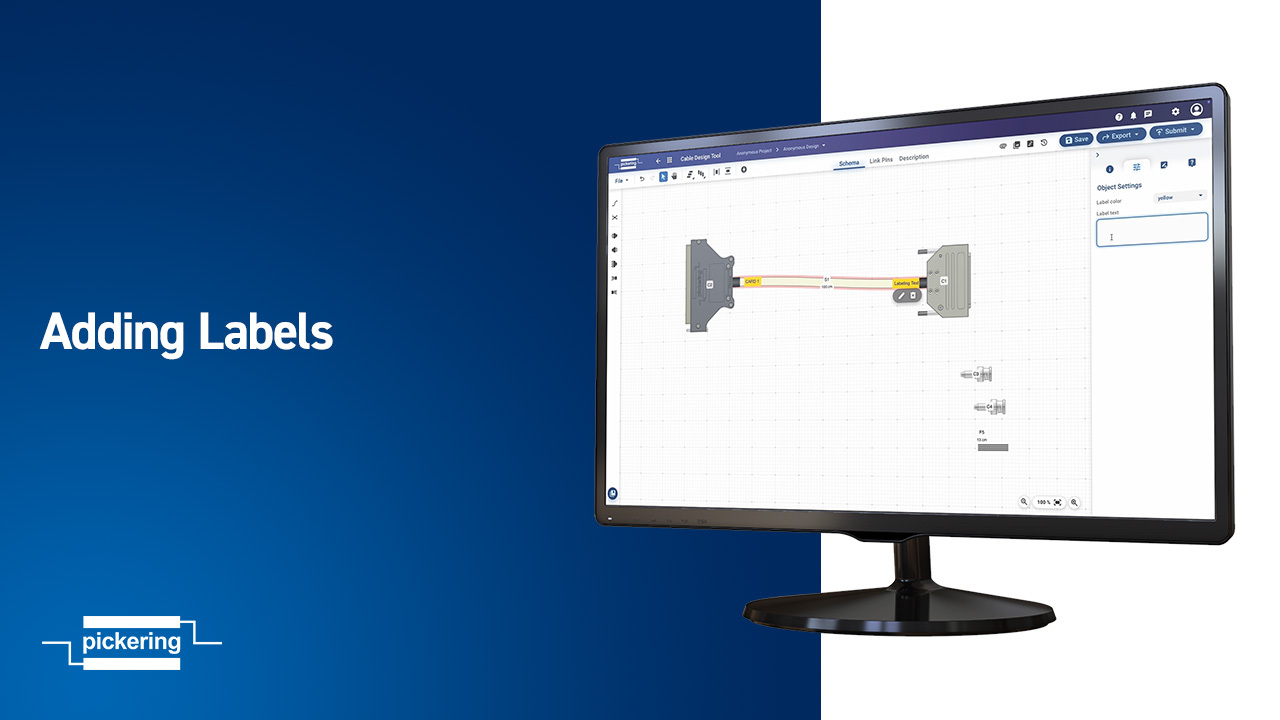
Adding Labels

Adding Labels

In this quick tutorial, you’ll learn how to add labels to wires and flying leads using the Cable Design Tool – an essential step in every well-designed cable assembly.

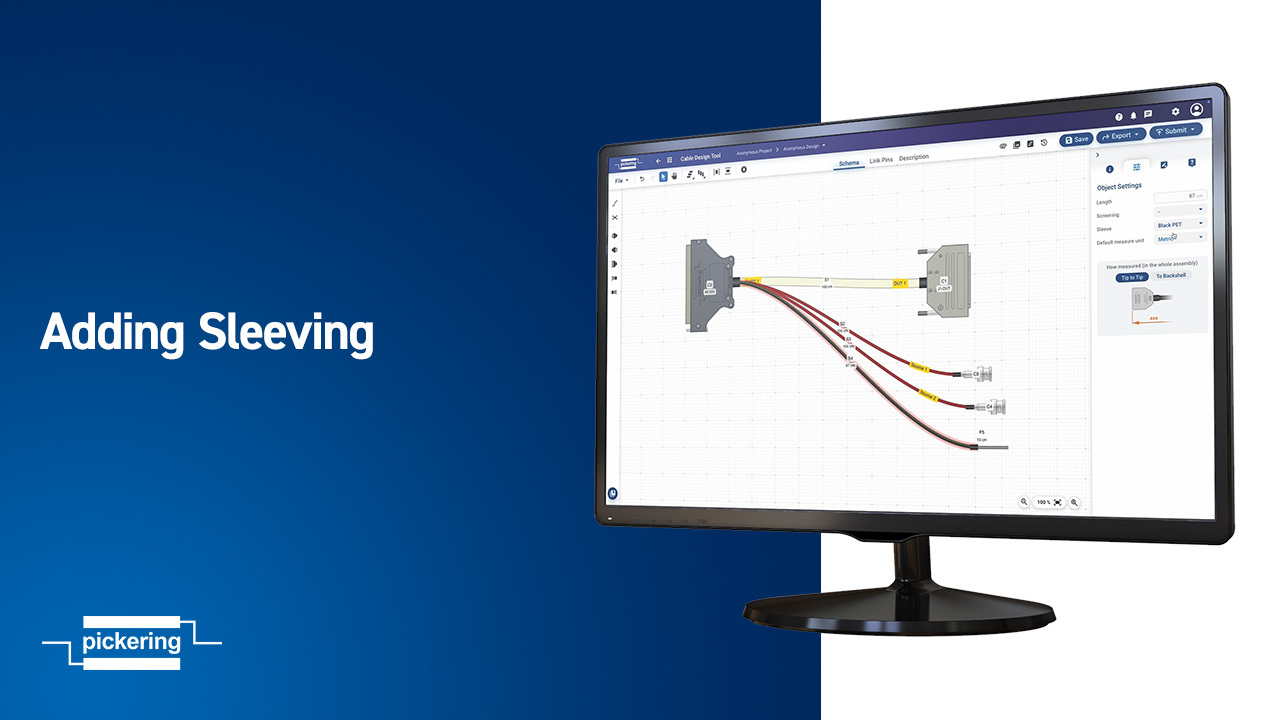
Adding Sleeving

Adding Sleeving

In this tutorial you’ll learn how to add sleeving to your cable assembly to help organize and protect the wires, and create a better overall cable design.

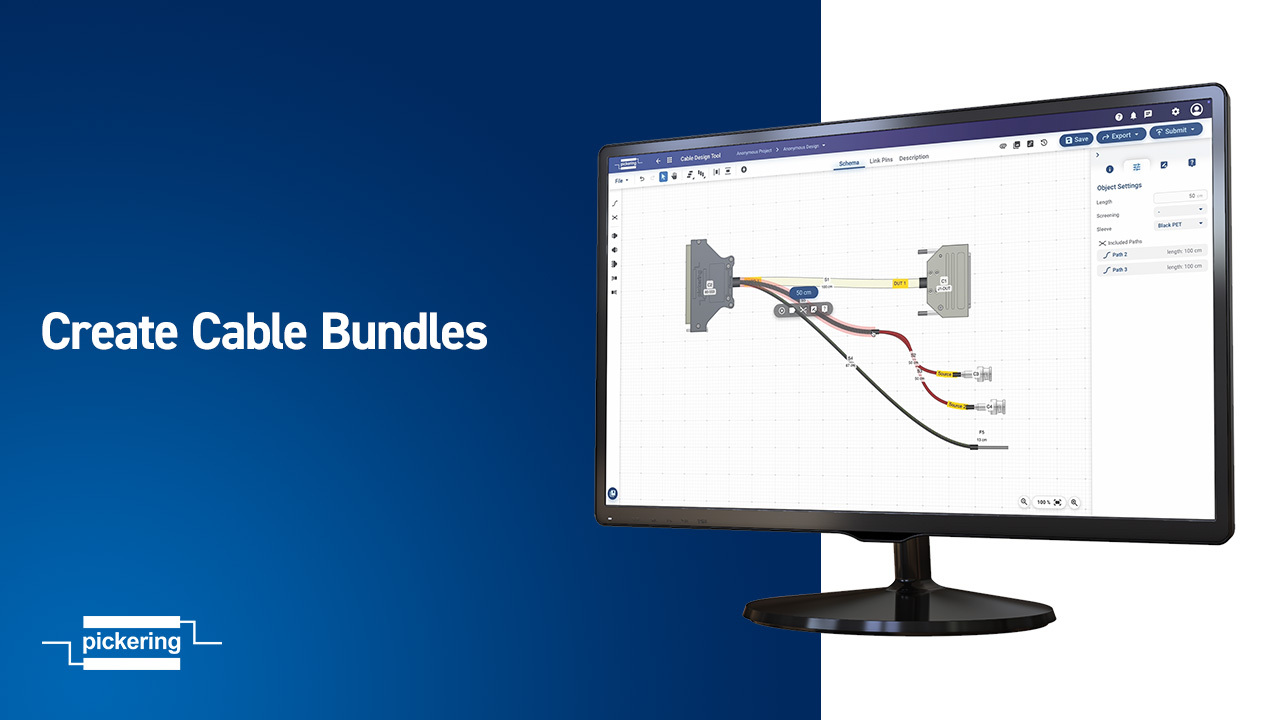
Creating Cable Bundles

Creating Cable Bundles

Learn how to bundle and unbundle cables in the Cable Design Tool – an important part of keeping your designs clean and organized.

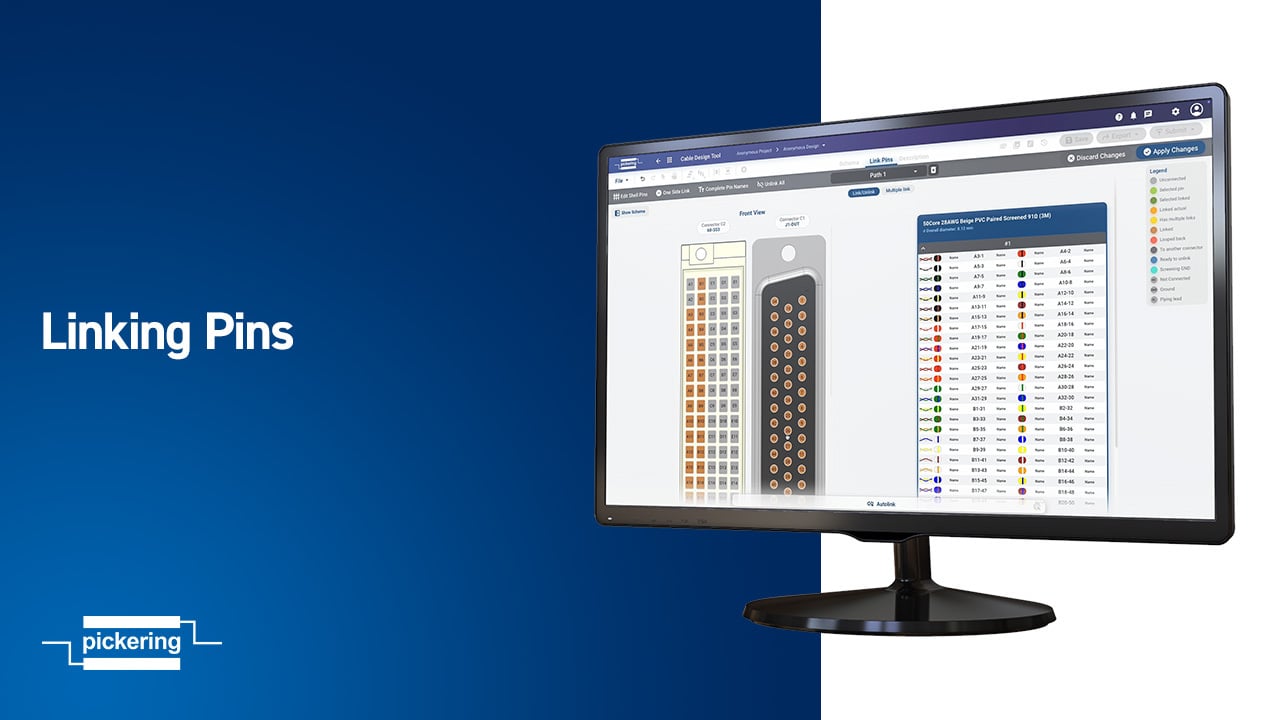
Linking Pins

Linking Pins

Learn how to link pins between connectors by defining custom pinouts. It’s a key step in mapping your electrical connections and preparing your cable for production.

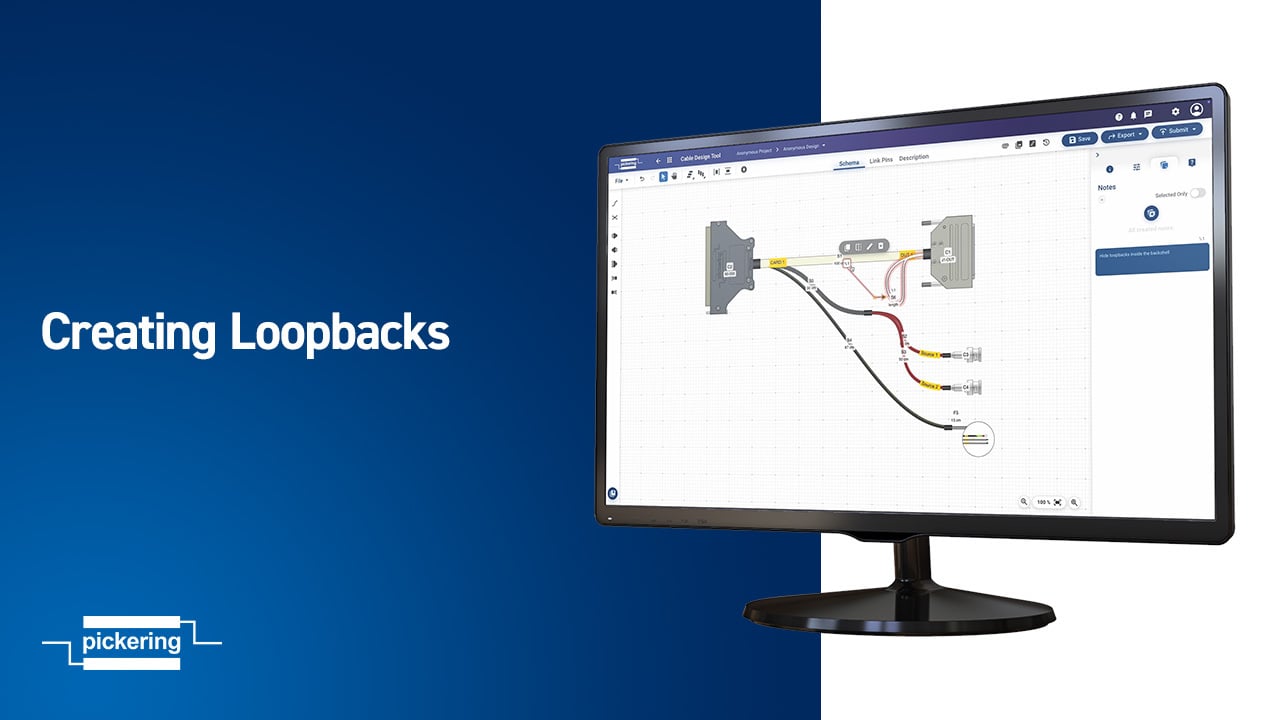
Creating Loopbacks

Creating Loopbacks

Learn how to add loopbacks to your cable design. We’ll walk through defining a new path, linking pins on the same connector, and adding notes to keep everything clear.

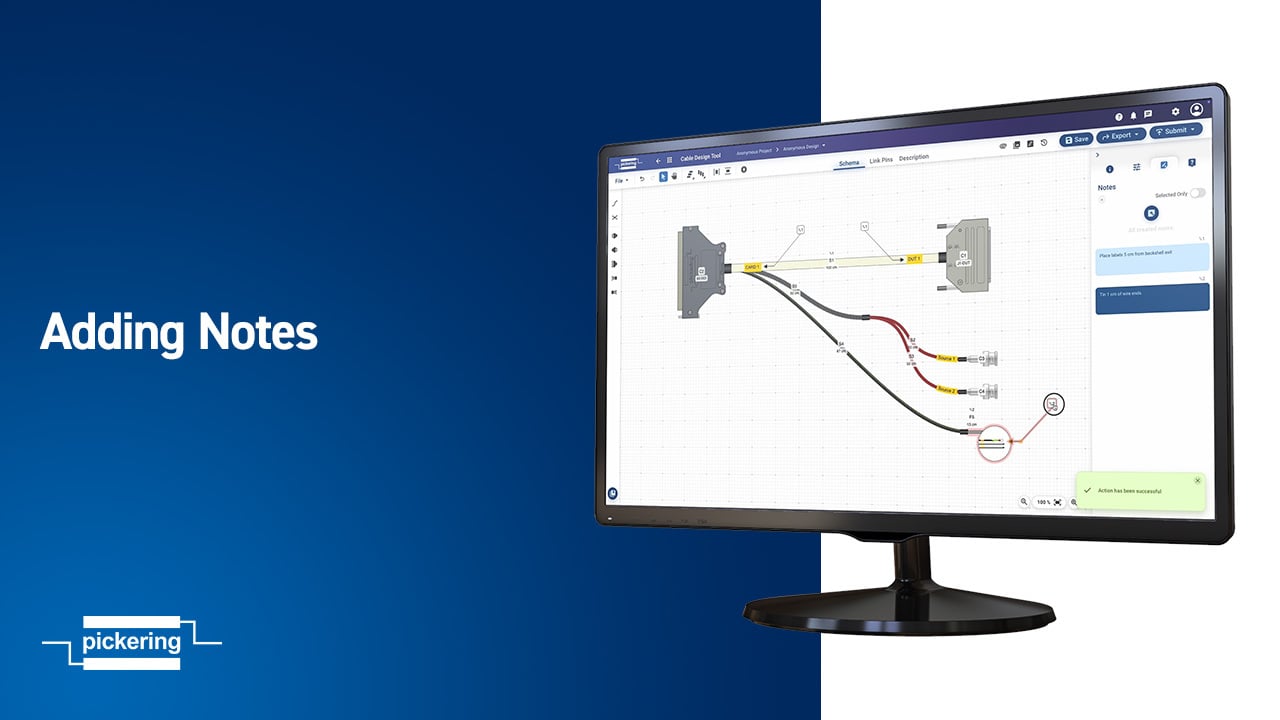
Adding Notes

Adding Notes

Learn how to add notes to your design. Notes are a simple way to document key details, clarify intent, and keep everyone on the same page – from engineering to production.

Design Review and Submit

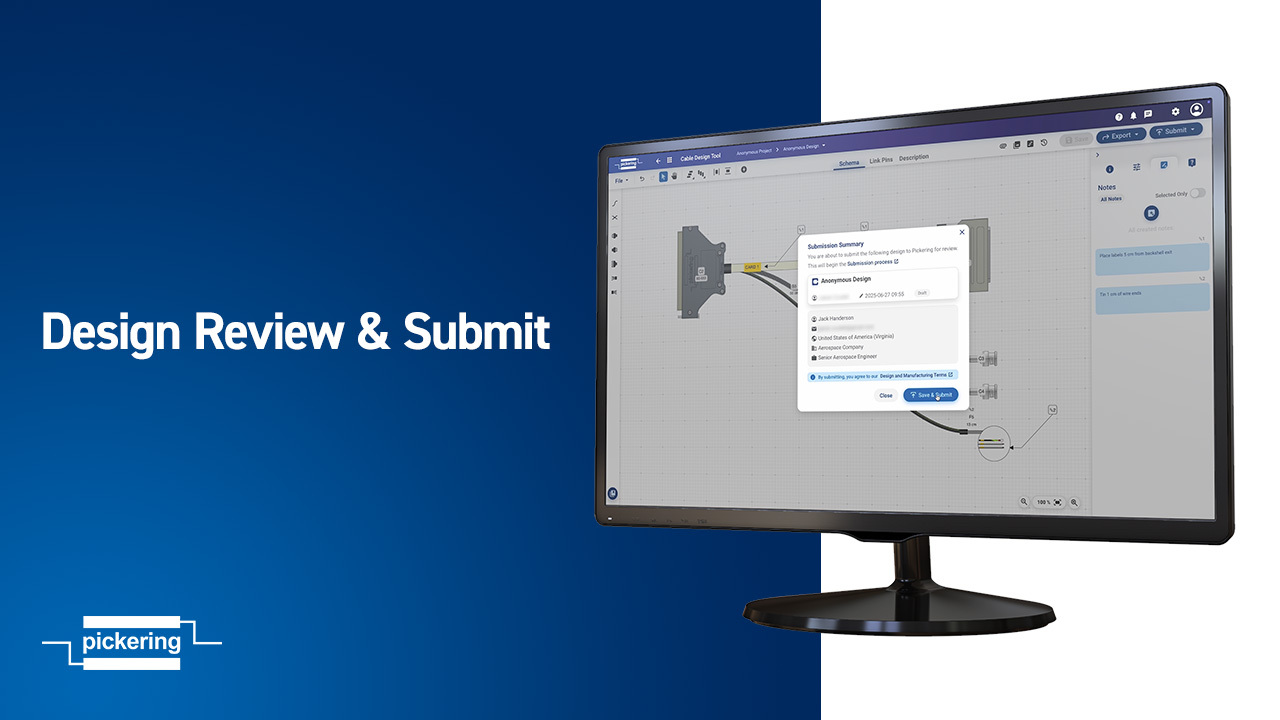
Design Review & Submit

Learn how to review your cable design and submit it for a quote – making sure it’s complete, accurate, and ready for production.                                                                                                                                                                                                                                                                                 

Adding a custom connector

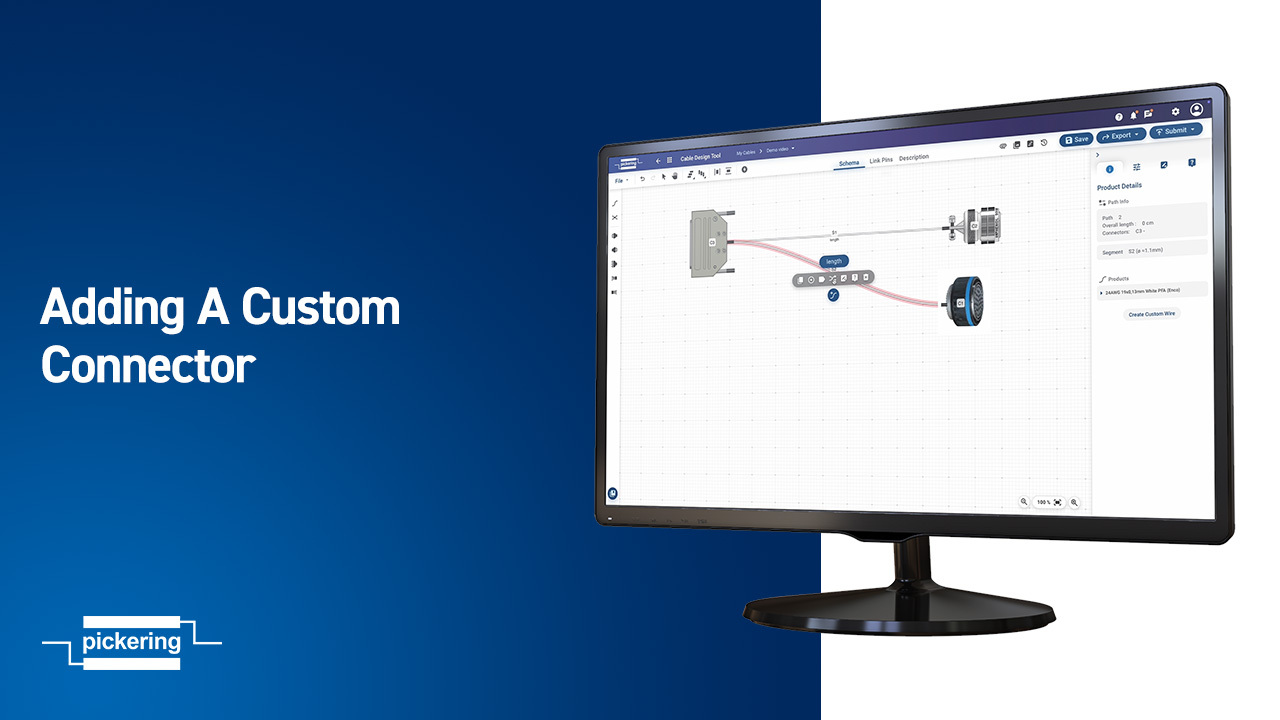
Adding a Custom Connector

Need a connector that’s not in our library? This tutorial shows you how to quickly add custom connectors to your cable assembly design.


Pinout for a CSV Import

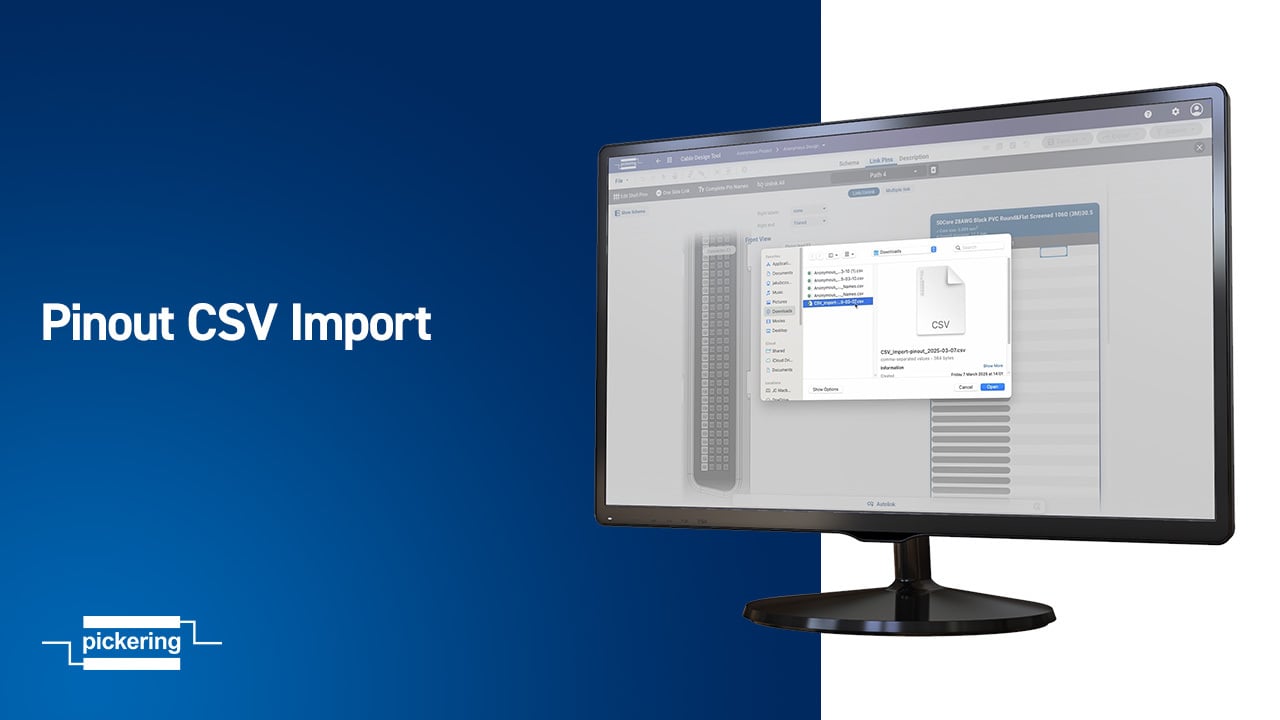
Pinout CSV Import

Streamline your workflow by importing pinout configurations using a CSV file. This tutorial walks you through the process step-by-step with the Cable Design Tool.


Have questions? Start a conversation with us today
Contact Us

-->